
AI Beyond Basics
You already use ChatGPT. But you know there’s more. This workshop shows you how to get consistently useful results, save hours every week, and build simple tools for your business (no coding or tech background needed)
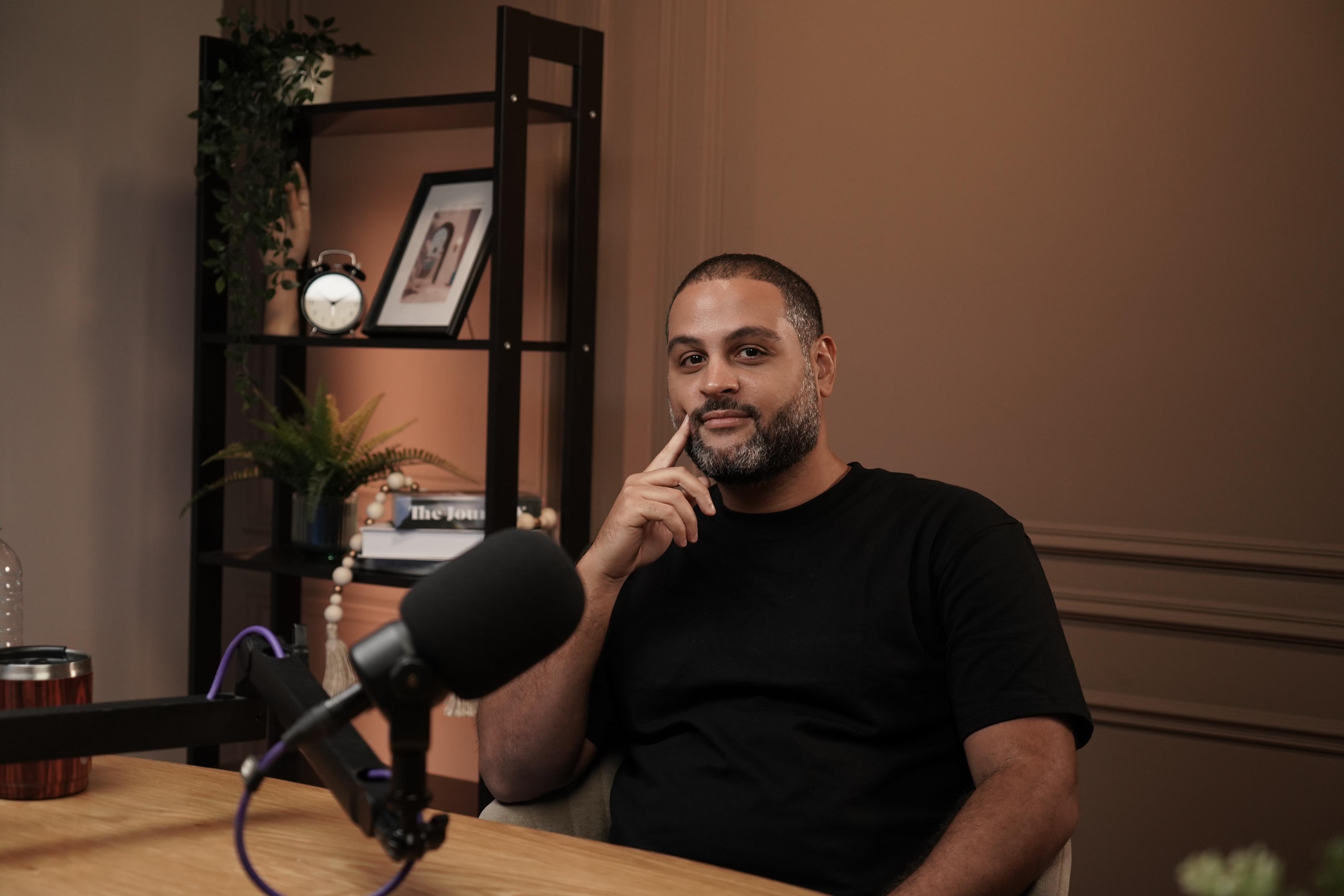
- ✓ Live 90-minute session + Q&A
- ✓ Full recording to rewatch anytime
- ✓ Curated prompt library for business use
- ✓ Hosted live on Riverside.fm
What Changes After This Workshop
Most people type a question into ChatGPT, get a so-so answer, and move on. You’ll leave this session knowing how to get great answers every time.
Stop Getting Generic Answers
Learn a simple 4-part formula for writing prompts that give you specific, useful results on the first try instead of vague responses you have to keep editing.
Make AI Know Your Business
AI knows nothing about your company, your customers, or your industry. I’ll show you how to feed it your own information so it writes, analyzes, and advises like someone who actually works for you.
Build Your Own Tools
You don’t need a developer to build an AI-powered tool. I’ll demo how to create custom calculators, analyzers, and automations by describing what you want in plain English.
What We’ll Cover
Two parts. First we change how you think about AI. Then we put it to work.
The Mental Models That Make AI Predictable
Why AI Gets Things Wrong (And How to Fix It)
AI doesn’t actually think, it predicts the next word based on everything you’ve written. When you understand this, you’ll see exactly why short, vague prompts give bad results and why giving AI a “runway” of context produces dramatically better answers.
Why the Same Question Gets Different Answers
Every time you ask ChatGPT something, there’s a built-in element of randomness. That’s not a bug, it’s useful. You’ll learn when to run the same prompt multiple times, when to ask for several options at once, and how to use this to your advantage.
How to Give AI Your Company’s Knowledge
ChatGPT has read the internet, but it has never seen your pricing, your customer emails, or your internal processes. I’ll show you a copy-paste technique you can use today to make AI respond as if it works at your company, not as a generic assistant.
The Prompt Formula That Always Works
A repeatable 4-step structure: set the scene, give clear instructions, define the boundaries, and show an example. This works whether you’re writing marketing copy, analyzing a spreadsheet, or drafting a proposal. You’ll practice it live.
From Chat Window to Business Tool
Getting Organized Answers You Can Actually Use
Instead of paragraphs of text you have to read through, learn how to get AI to return clean tables, checklists, categorized data, and structured formats you can paste straight into your spreadsheets, CRM, or project management tools.
AI That Does the Work For You
Right now you give ChatGPT one instruction at a time. New AI tools can take a goal, like “research these 10 competitors and summarize their pricing”, and handle every step on their own. I’ll show you what this looks like and how to access it.
Build a Custom Tool (Live Demo)
I’ll build a working business tool in front of you by describing what I want in plain English. No code. You’ll see how to create things like customer feedback analyzers, report generators, or intake forms, tools that used to require hiring a developer.
Hands-On: Your First AI Workflow
Pick a real task from your business. We’ll break it into steps, write the prompts together, and you’ll leave with a working AI workflow you can use the next morning. This isn’t hypothetical, you’ll build something real during the session.
This is for you if:
Probably not for you if:
I use AI to run my business every day. Not as a gimmick, but as core infrastructure.
I run campaigns, analyze data, write content, and build tools for clients using AI. This workshop is the 90-minute version of everything I wish someone had explained to me when I started: how it actually works, why most people get mediocre results, and what to do differently.
Stop Guessing. Start Getting Results.
90 minutes. $25. A repeatable system for getting useful AI output, a prompt library you can use immediately, and the confidence to build tools you didn’t think were possible.